
Stop Rebuilding the WIP Spreadsheet
myWorkflow syncs from QuickBooks Online daily and keeps a live work-in-progress report for every active job. The monthly rebuild goes away, and so does the lag between a job going sideways and someone finding out.
One Screen, Five Answers.
Every row is a job. Every column is a question you'd otherwise go looking for.
Build the report you'd have built in Excel…once.
A fixed grid only ever fits one person. In myWorkflow, every user builds their own Views: group by division, filter to a single PM, sort by thinnest margin, hide the columns that don't matter to them. Save it, name it, share it. .
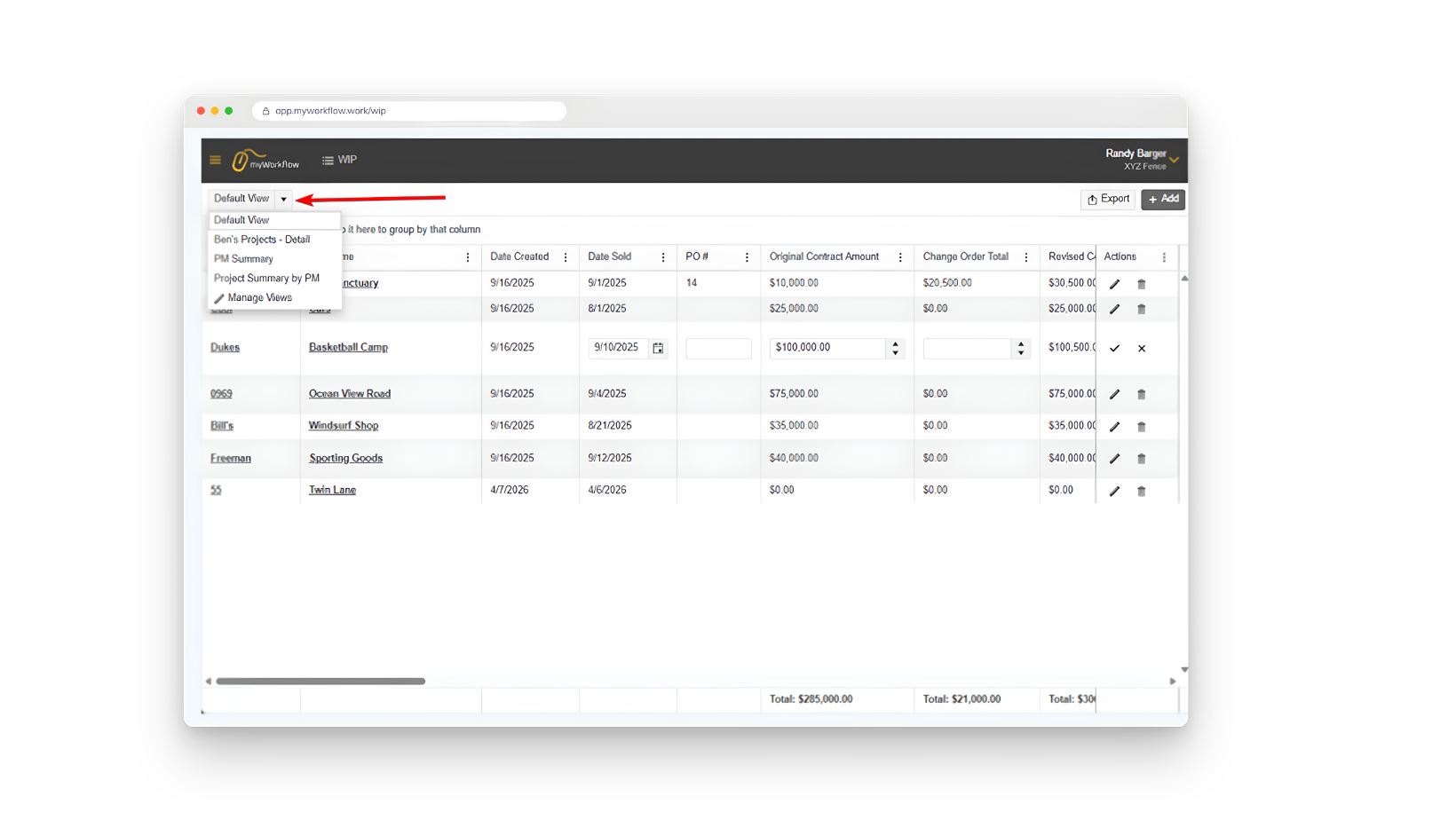
Save a View once and it's there every morning.
One grid, arranged each way person needs it.
Your controller's month-end View and your PM's Friday-morning View can be the same data, arranged completely differently, with neither one stepping on the other
Every number shows its work.
A report nobody trusts doesn't get used. Hover any total in myWorkflow and it opens up the calculation behind it — which transactions rolled up, and how. When your owner asks where a cost number came from, the answer is on screen instead of in a follow-up email.
See the gap before it's a gap.
Remaining contract value across your open jobs is your backlog, and it's the number that tells you whether the crews have work in eight weeks. myWorkflow keeps it current, so scheduling holes surface while there's still time to sell into them.
Read-only, and we mean it.
myWorkflow connects to QuickBooks Online through a one-way, read-only sync that refreshes daily. It reads your job data; it does not create, edit, or delete anything in your books. That's a deliberate design decision, and it's usually the sentence that gets the accountant on board.
One direction
Data flows QuickBooks → myWorkflow. Never the reverse.
Daily refresh
Your WIP reflects the books without anyone exporting anything.
Accountant keeps control
The books stay the books. myWorkflow is a reporting and management layer on top.